Family connection lets parents see how practice is going without turning home into a second classroom. A parent device creates a family for free; the child joins through an invitation link.
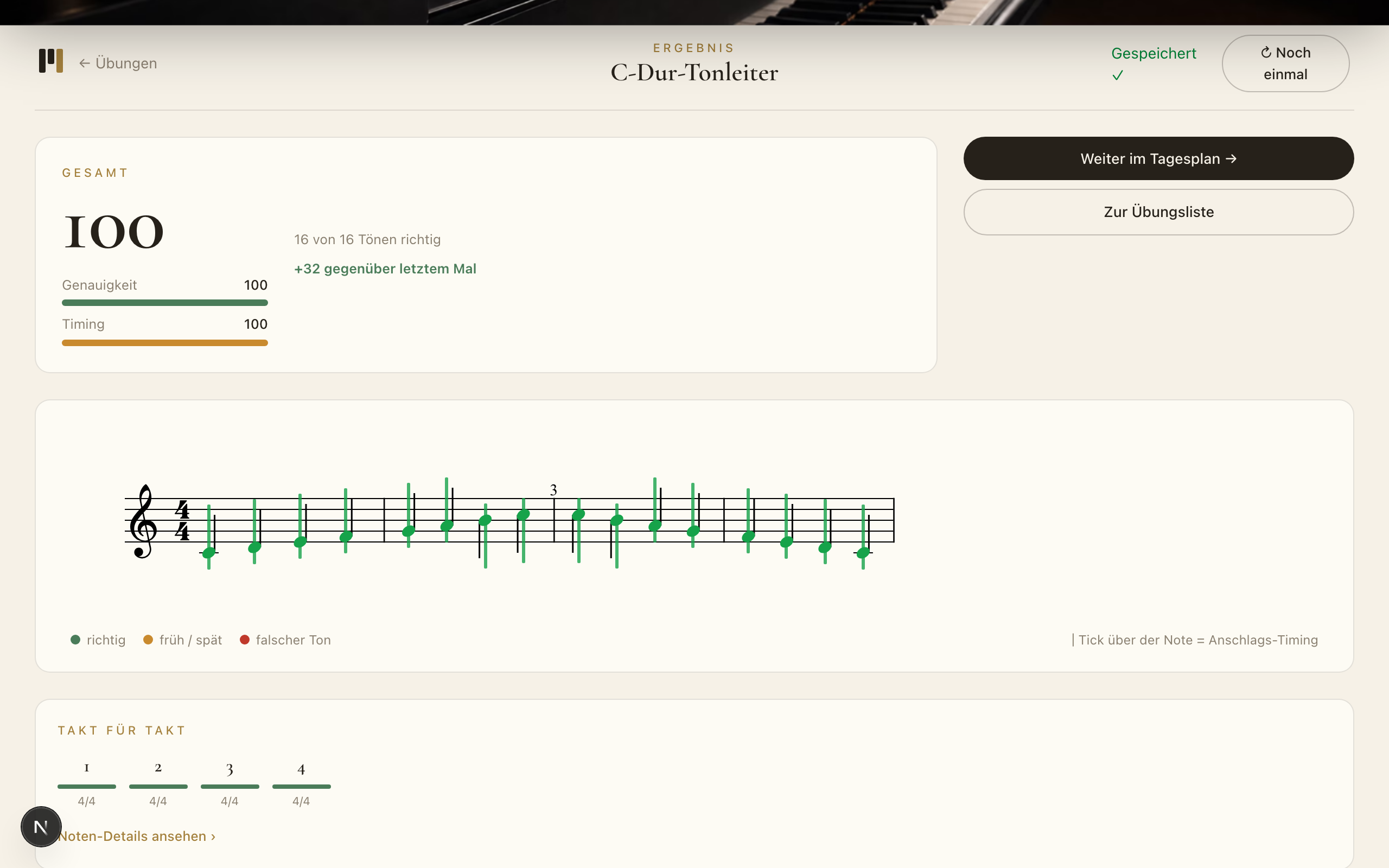
The family view shows the practice week, the most recent practice time and rounded feedback. If a passage is getting stuck, it names the affected bar. There are no red error lists, percentages or homework controls.
The child keeps their own practice space
The family can stay informed, but it cannot control a session remotely or assign a piece. The full profile, imported scores and detailed history remain on the child's device. The connection can be removed again.